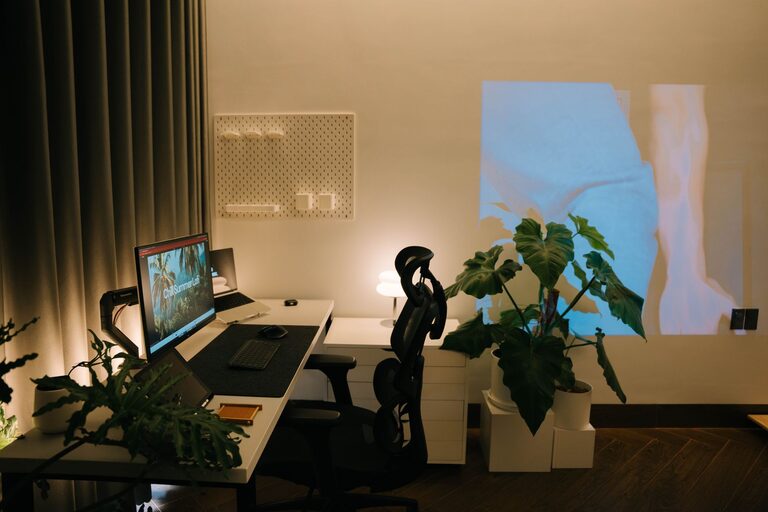
Creating a relaxing home workspace is essential for maintaining focus, reducing stress, and boosting productivity—especially when working remotely or managing projects from home. A thoughtfully designed workspace not only fosters efficiency but also supports your well-being throughout the workday.
In this post, we’ll explore practical tips to help you create a comfortable, organized, and calming home office environment that works for you.
Choose the Right Location
The first step is selecting the best spot in your home for your workspace. Ideally, this area should:
– Be quiet or have minimal distractions
– Have access to natural light
– Allow enough space for your work essentials
If you don’t have a separate room, consider a corner or nook where you can place a desk. Consistency helps—try to use the space exclusively for work to separate professional and personal life mentally.
Prioritize Comfort and Ergonomics
A relaxing workspace supports your physical comfort, which helps prevent fatigue and discomfort. Here’s what to focus on:
Desk and Chair
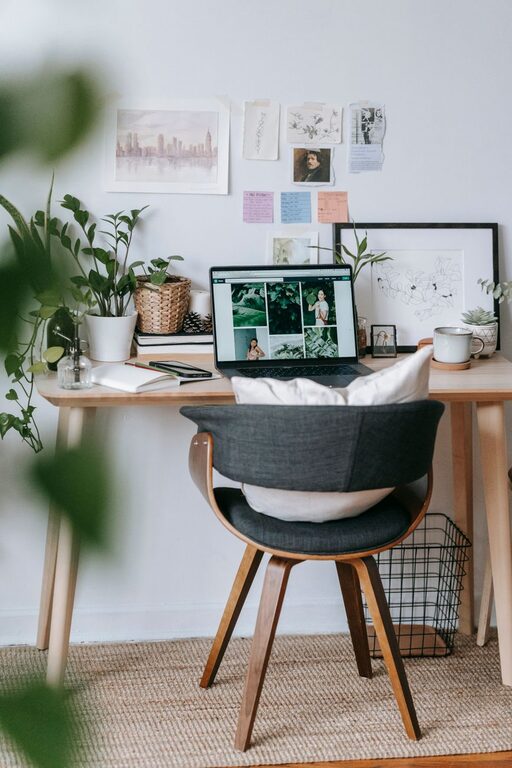
Choose a desk that fits your needs and room size. Adjustable desks are a bonus if you prefer to alternate between sitting and standing. Your chair should offer good back support and be adjustable so you can sit with feet flat on the floor and knees at a 90-degree angle.
Monitor and Keyboard Placement
Keep your computer monitor at eye level, about an arm’s length away, to prevent neck strain. Your keyboard and mouse should be positioned so your wrists are straight and elbows are close to your body, resting around a 90-degree angle.
Lighting
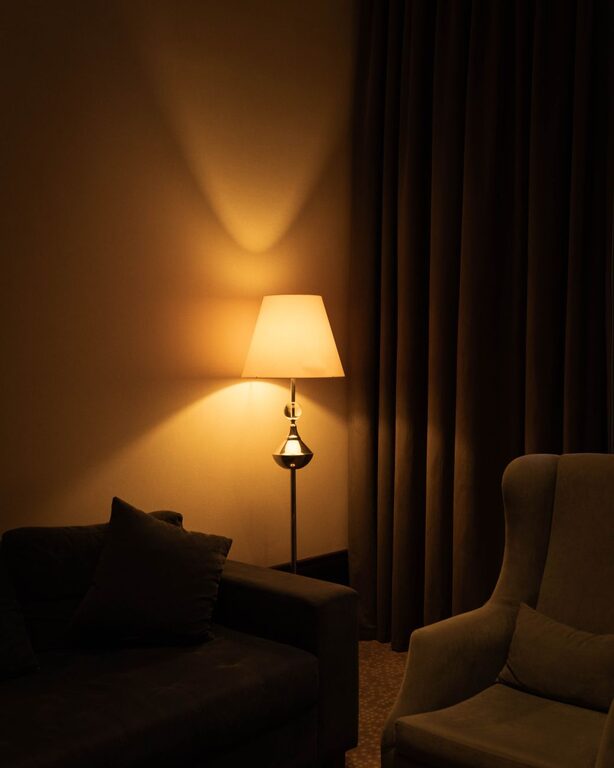
Proper lighting reduces eye strain and creates a soothing atmosphere. Natural light is best, but complement it with a desk lamp or overhead lighting that’s bright but not harsh. Avoid screens facing windows to reduce glare.
Declutter and Organize
A clutter-free environment clears your mind and boosts productivity. Try these strategies:
– Use drawers, shelves, and containers to store items neatly
– Keep only essentials on your desk to minimize distractions
– Create a filing system for papers or go digital to reduce physical clutter
– Clean your workspace regularly to maintain tidiness
Incorporate Calming Elements
Add touches that make the space inviting and relaxing:
– Plants: Adding greenery can improve air quality and create a calm mood.
– Soft textures: Use a comfortable rug or cushions to make the area cozy.
– Personal items: Include photos, artwork, or objects that inspire and motivate but avoid overcrowding.
Manage Noise and Improve Focus
Sound can significantly affect your concentration. Consider these options:
– Use noise-canceling headphones if you live in a noisy environment.
– Play soft background music or white noise to drown out distractions.
– Add heavy curtains or rugs to reduce echo and external sounds.
Set Boundaries and Routine
Your workspace should help you mentally separate work from home life. To do this:
– Establish clear working hours to create a routine.
– Use the space only for work tasks to reinforce focus.
– Take regular breaks away from your desk to rest eyes and stretch.
Use Technology Wisely
While devices are essential, managing them carefully enhances your workspace’s relaxing vibe:
– Keep cables organized with clips or sleeves.
– Limit notifications during work sessions.
– Use apps for task management and time tracking to stay on track without stress.
Personalize Without Overloading
Your workspace should reflect your personality, but avoid too much decoration that can become distracting. Balance is key; add elements that uplift you and support productivity.
—
Creating a relaxing home workspace takes intentional planning, but the benefits are worth it. By focusing on comfort, organization, and ambiance, you’ll craft an environment that helps you work more effectively and enjoy the process.
Start with these tips and adjust your space as needed to find what truly supports your productivity and well-being.
About the Author